
BLE mobile access
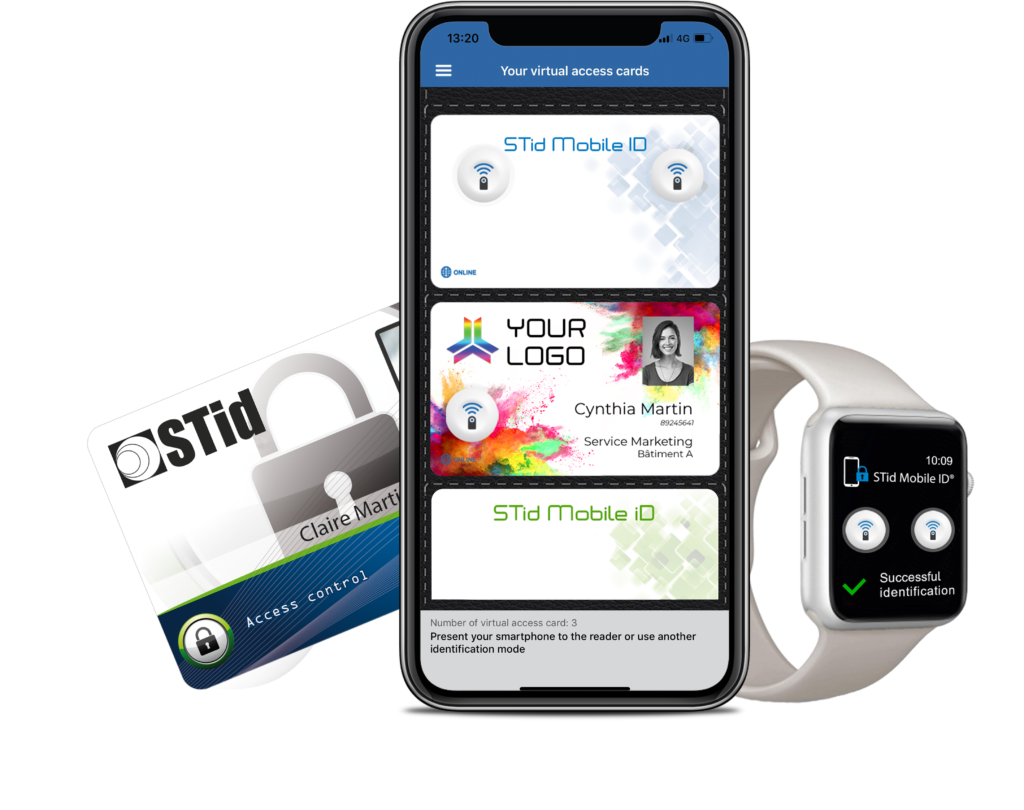
BLE mobile access turns a resident’s iPhone, Android phone or Apple Watch into an encrypted access card. STid Architect Blue readers on doors, lifts and gates read it over Bluetooth, and the building issues or cancels cards remotely in the STid portal.
The app
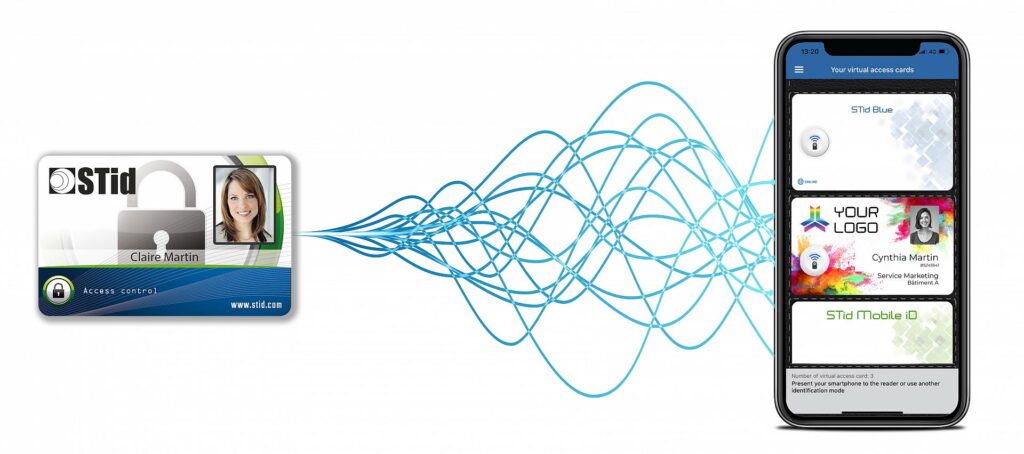
The free STid Mobile ID app stores the virtual card on the phone. Physical cards and vCards can be used side by side, so a building can move over gradually.
How residents open doors
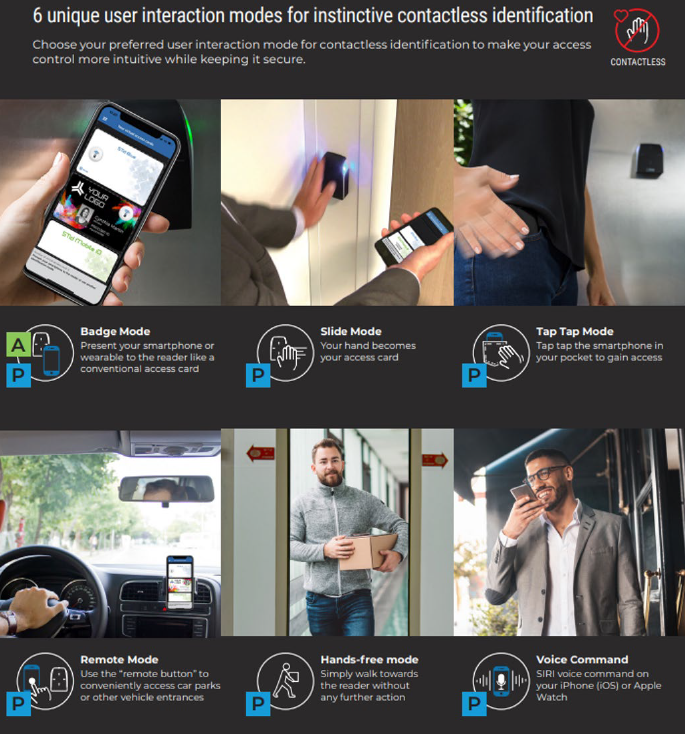
Hold the phone to the reader like a card.
Wave a hand over the reader while the phone stays in a pocket.
Tap the phone twice in a pocket or bag.
Press a button in the app to open a gate or car park from a distance.
Walk towards the reader and it opens.
Use Siri on iPhone or Apple Watch.
Security
| Level | What the resident must do | Typical use in a strata building |
|---|---|---|
| 1. Locked phone | Nothing; the phone can stay locked | Lobby and pedestrian doors |
| 2. Unlocked phone | Unlock the phone | Common areas, gym, pool |
| 3. Biometric | Face ID or fingerprint | Lifts, plant rooms, management office |
Management
The portal is where vCards are created, sent, suspended and revoked, individually or in bulk. For strata buildings, Prox Access sets up the account in the owners corporation’s name so the building keeps control.
FAQ
BLE (Bluetooth Low Energy) mobile access lets a smartphone or smartwatch act as an access card. The phone holds an encrypted virtual card, and Bluetooth readers on doors, lifts and gates check it.
iPhone and Android smartphones, plus Apple Watch, using the free STid Mobile ID app. STid also supports Apple Wallet and Google Wallet.
It depends on how each reader is configured. STid has three levels: locked phone, unlocked phone, and biometric check. Buildings usually use level 1 at entry doors and level 3 in lifts.
The distance is adjustable per reader. Hands-free mode opens doors as residents approach, while badge mode needs the phone held close to the reader.
Yes. The phone talks to the reader over Bluetooth, so no mobile data or Wi-Fi is needed to open a door.
Book a free review and we’ll show you how vCards would work on your doors, lifts and car park.